
Occassionally I like to provide PSA’s. A PSA is a “Public Service Announcement” that I feel my friends, family, colleagues and customers should be made aware of—while this one is not entirely related to my work as a web developer, it does effect the use of technologies such as QR Codes and fake websites. As a web developer, I usually focus on websites, hosting, domains, and digital best practices—but when a major consumer-facing threat like this emerges, it’s important to help keep the public informed.
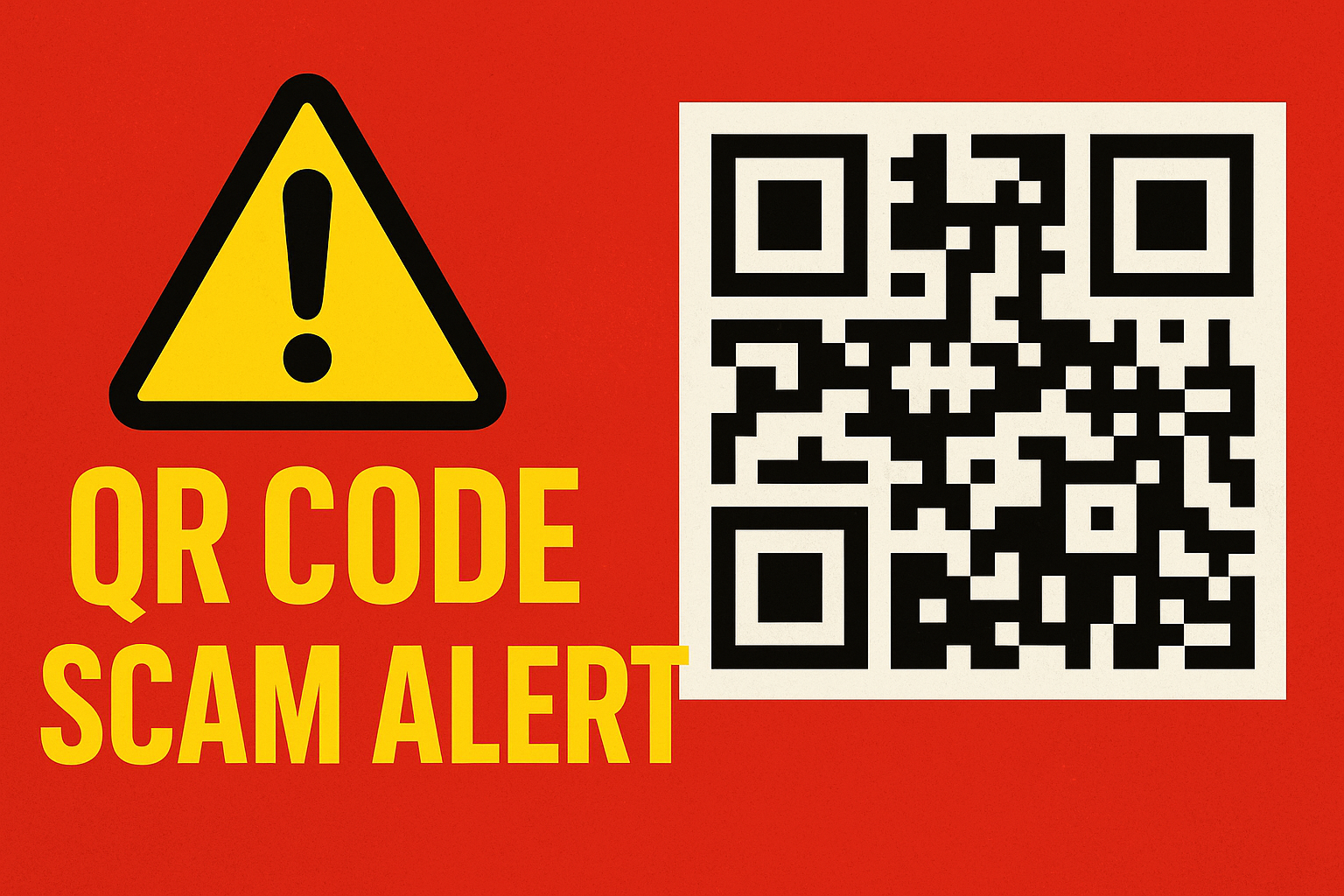
QR Code Scam Alert: What You Need to Know in 2025
QR codes have become part of everyday life—menus, payment systems, parking stations, business check-ins, and even customer service workflows. But with their convenience comes growing abuse. Across the country, cybercriminals are placing fraudulent QR codes in public locations to trick people into visiting malicious websites or unknowingly sending payments to scammers.
What’s Happening?
The FBI has issued alerts after spotting a rise in fake QR codes being placed on:
-
Restaurant tables
-
Parking kiosks
-
Store counters
-
Event check-in signs
-
Flyers and posters
These fake codes often look identical to legitimate ones. Once scanned, they lead users to cloned websites designed to steal personal information or reroute payments.
In one recent incident, more than two dozen parking payment kiosks in Austin, Texas were found with fraudulent QR-code stickers placed over the real ones—tricking people into entering credit card information on a fake site.
Why QR Codes Are a Target
Cybercriminals love QR codes because:
-
They bypass caution — people scan quickly without analyzing the URL.
-
They’re easy to replace — a simple sticker can cover the real code.
-
They blend in — businesses widely use QR codes for legitimate purposes.
-
They hide malicious links — the user doesn’t see the URL until it’s too late.
This makes QR codes an attractive tool for phishing, payment hijacking, and identity theft.
How to Protect Yourself
Consumers and business owners can avoid falling victim by following a few simple steps:
1. Inspect the QR Code
If the QR code looks like a sticker placed over another label—or appears misaligned—don’t scan it.
2. Always Check the URL

A legitimate business site will match the business name.
If the URL looks unusual, misspelled, or unfamiliar, close it immediately.
3. Avoid Entering Payment Info on a QR Link
For kiosks, parking meters, or service terminals, manually type the official website when possible.
4. Don’t Download Files from QR Codes
Some malicious QR codes trigger automatic downloads. Never install anything prompted by a QR scan.
5. Businesses: Secure Your Signage
If you use QR codes for menus, payments, or forms, inspect your posted signs regularly and replace any suspicious ones immediately.
Why This Matters for Website & Domain Owners
While this scam targets the public, it also affects business owners:
-
Customers may blame the business if a fraudulent code appears on their signage.
-
Cybercriminals may clone your website or create look-alike domains to deceive users.
-
Your brand’s trust can be damaged even if you aren’t responsible.
Ensuring strong domain protection, SSL usage, brand monitoring, and phishing-alert systems is more important than ever.
Final Thoughts
QR codes aren’t going anywhere—they’re useful, fast, and convenient. But as cyberthreats evolve, educating users and staying vigilant is essential.
As always, I’ll continue posting alerts, security notices, and best-practice tips to help keep your business and online presence safe.
If you have questions about securing your website, your domain, or your customer-facing digital tools, feel free to reach out.
Related Posts