

When running a WordPress website, updates are an important part of keeping your site secure, functional, and compatible with ongoing platform changes. One area that often causes confusion is why certain plugin updates require a paid or “PRO” license — especially when those plugins were originally included with a purchased theme.
At 3GEES Media, we believe clients should understand why these situations occur and what their options are.
Themes and Plugins Work Together — But Are Not the Same
WordPress themes control your site’s design and layout, but most themes rely on third-party plugins to provide functionality such as sliders, galleries, event calendars, donation tools, and other interactive features.
While a theme may include plugins at the time of purchase, those plugins are created and maintained by separate developers. Theme authors do not control how plugin updates are distributed or licensed.
What Happens When a Security Issue Is Found?
WordPress is widely used worldwide, which means security researchers actively monitor plugins for vulnerabilities.
When an exploit is discovered:
-
The issue is verified by security services
-
The plugin author is notified
-
A fixed version is released
In many cases, especially with major updates, the corrected version is available only to users with a valid PRO license.
Example: Slider Revolution Security Update
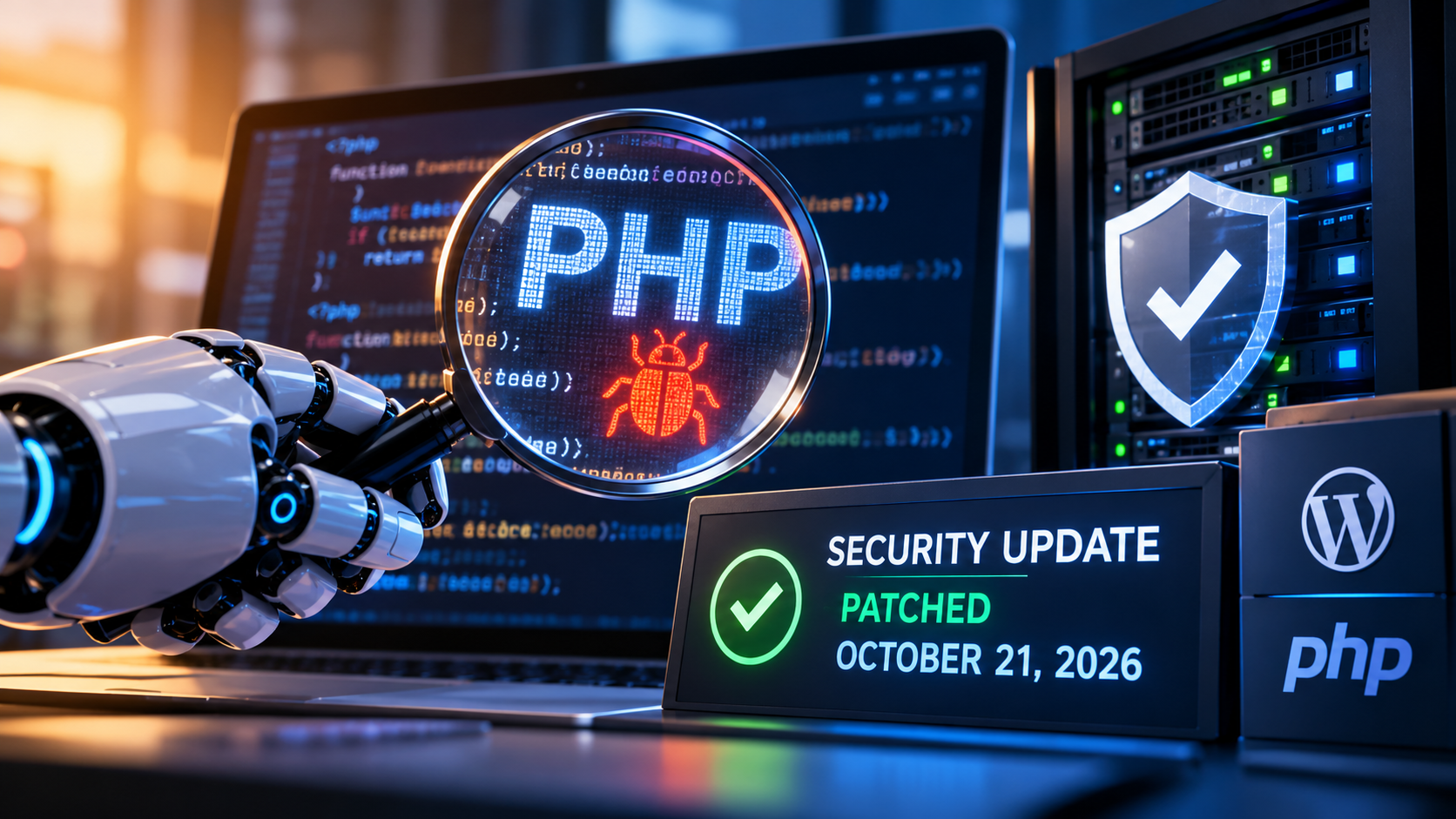
A recent example involved the popular Slider Revolution plugin, where a confirmed security vulnerability was reported by Wordfence. The plugin developer released an updated version to resolve the issue, but access to that update requires a licensed PRO version.
This is a common and normal practice across premium WordPress plugins.
Why PRO Licenses Exist
Paid licenses allow plugin developers to:
-
Maintain ongoing security monitoring
-
Release timely patches
-
Support new WordPress versions
-
Continue long-term development
While WordPress core and themes may remain free, the tools that power advanced features often require ongoing licensing to stay secure.
Your Options When This Occurs
When a plugin update is restricted behind a license, you generally have three choices:
-
Leave the notice in place (not recommended long-term)
-
Disable or remove the plugin and its related features
-
Purchase the plugin’s single-site PRO license to receive updates
3GEES Media does not sell plugin licenses for third-party vendors and does not benefit from renewals. Our role is simply to notify you when a verified security concern exists and help explain your options. We want our clients to own their own themes and plugins, so they have the freedom to choose where they host their site and who they hire for future updates and engagements.
Ongoing Website Security Matters
Websites require ongoing maintenance. As WordPress evolves, plugins must also evolve to remain secure. Occasional license requirements are a normal part of operating a modern website — not an error or unexpected charge.
Our goal is to keep you informed so you can make the best decision for your site.
If you ever have questions about plugin updates or security notices, 3GEES Media is always here to help.
Related Posts